What is Imagine Image?
Imagine Image is the AI image model behind Imagine Image AI, built for precise generation, editing, reference-based creation, and continuous visual work.
Imagine Image
Generate from detailed text and references, edit exactly what needs to change, preserve the parts that work, and carry every result into the next creative decision with Imagine Image AI.
Create with Imagine Image Your visual starting point will appear here.
Model in practice
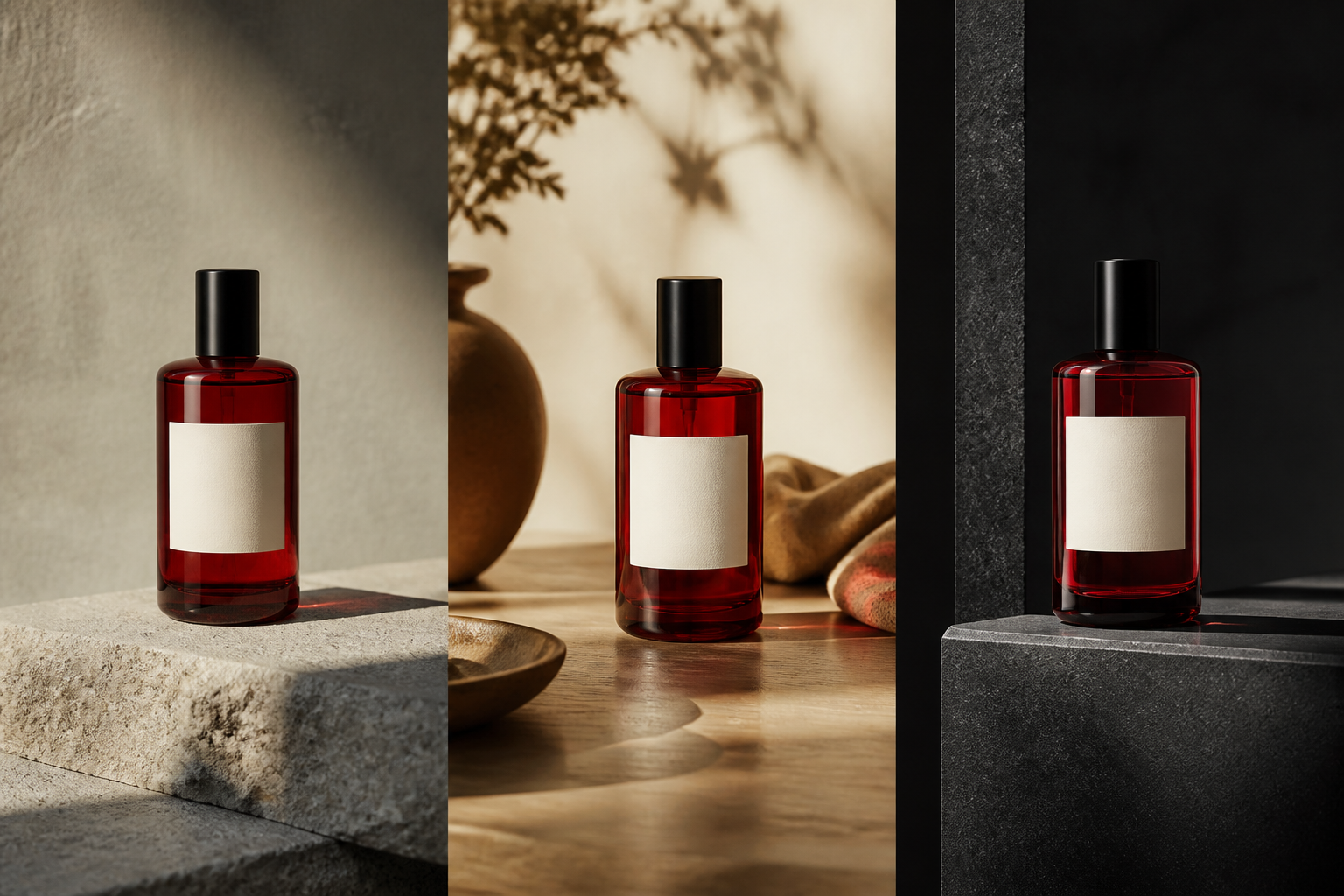
Imagine Image can carry one visual direction through the moments a real brief needs: a controlled studio shot, a lived-in scene, and a campaign-ready composition.
One creative system
Imagine Image is not only a text-to-image model. It follows the visual thread from a prompt or reference to a result you can inspect, select, refine, adapt, and reuse.
01 · Generate precisely
Follow the subject, composition, typography, lighting, materials, style, and spatial relationships in the brief.
02 · Edit precisely
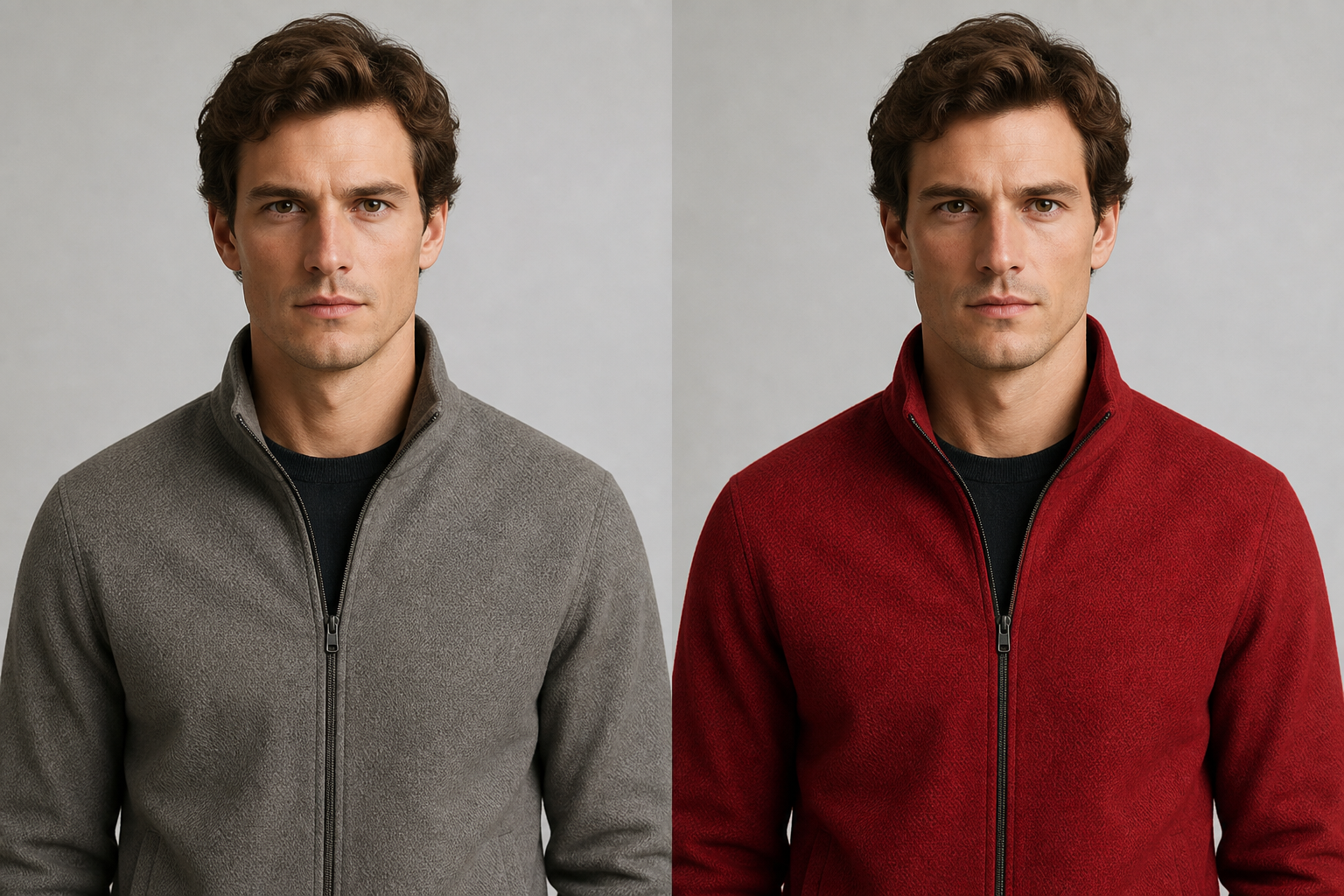
Change a jacket, product, expression, background, or line of text while keeping the visual context around it.
03 · Create from references
Let different images contribute identity, outfit, pose, product, style, or environment to one controlled result.
04 · Keep creating
Make variations, remove backgrounds, resize for new formats, and use each result as another starting point.
Prompt adherence
Use the prompt as a creative brief, not a loose collection of adjectives. Say where elements are, what the light is doing, which material matters, and how words should sit in the composition.
Editorial product poster for a red glass bottle on a stone pedestal at dusk, restrained red-and-slate palette, sharp typography, and the headline “FUTURE DRIVE” above the composition.
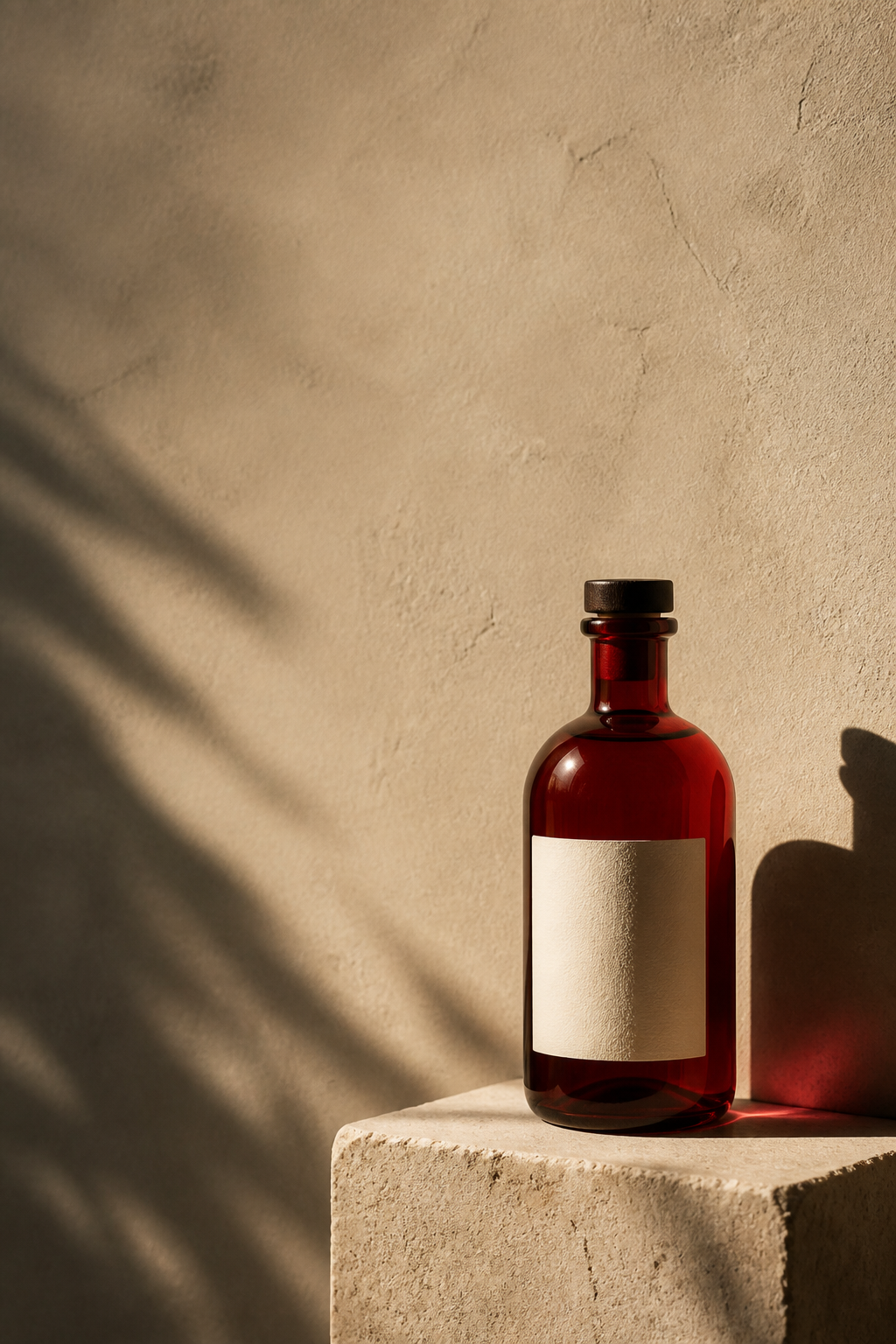
SUMMER 2026
Typography
Create posters, advertisements, covers, and visual graphics where words are part of the composition rather than an afterthought.
FUTURE DRIVE
Exact words · clear hierarchy
Format-ready creation
Smart Resize recomposes the scene for a new aspect ratio, extending the visual space and protecting the important subject instead of simply cropping.
Storefronts and universal square assets.
Feed posts with more room for the subject.
Stories, Shorts, and vertical campaigns.
Consistency
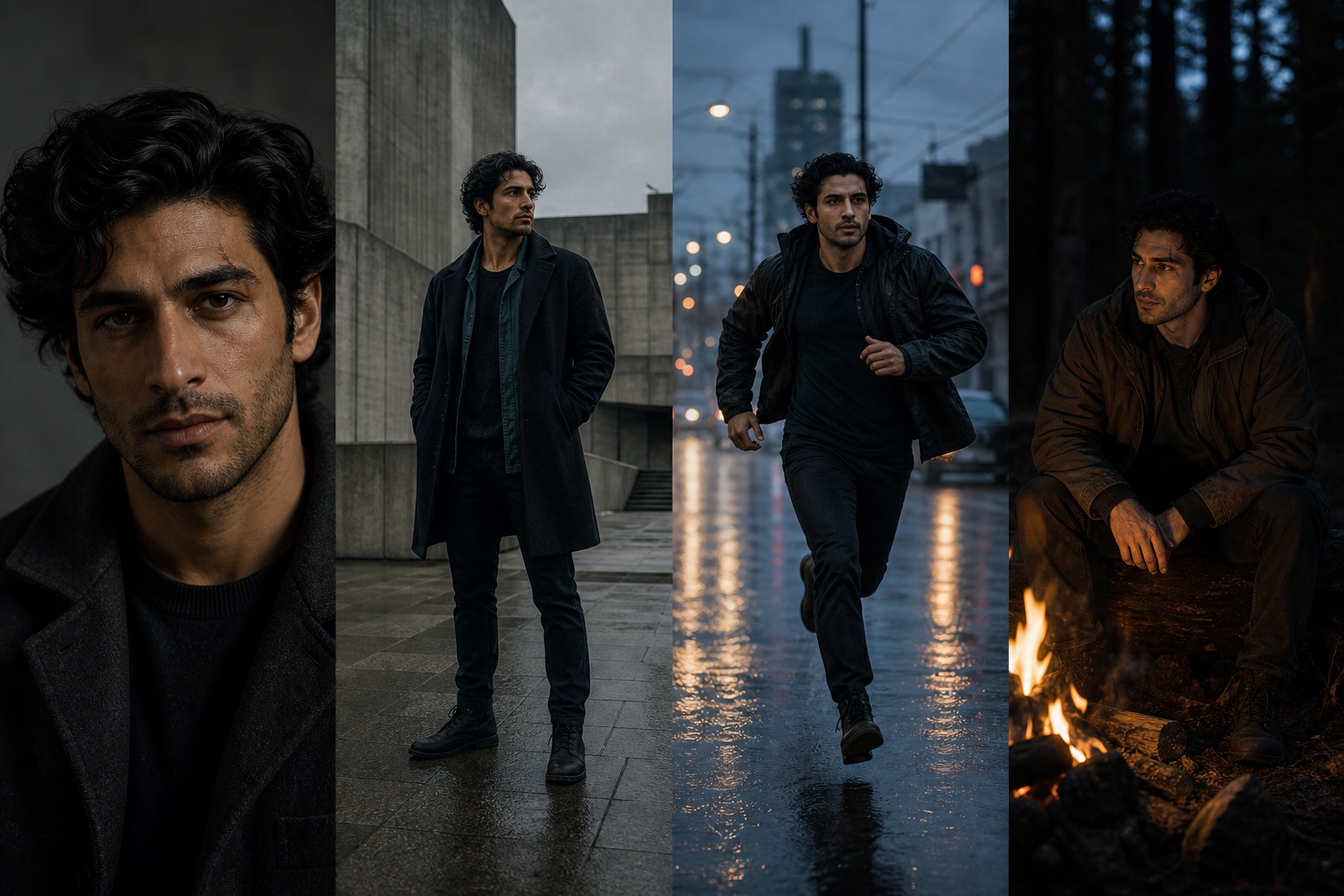
Use references and consistency controls to keep characters recognizable, products distinct, visual styles coherent, and important design decisions intact as the work expands.
Imagine Image is the AI image model behind Imagine Image AI, built for precise generation, editing, reference-based creation, and continuous visual work.
Yes. Describe the change in natural language or select a specific region first, then replace, remove, restyle, adjust, or add while preserving the surrounding scene.
Smart Resize is AI recomposition. It creates the missing visual space and adapts the composition for the new canvas rather than stretching or cropping.
Create a visual direction, then keep shaping it until it is ready for the work in front of you.
Start creating