What can I create with the AI image generator?
Create product visuals, editorial posters, social graphics, character concepts, illustrations, campaign directions, game assets, and more from text or references.
AI image generator
Generate from a detailed text prompt or references, then edit, resize, vary, and reuse the result with Imagine Image AI.
 Your visual starting point will appear here.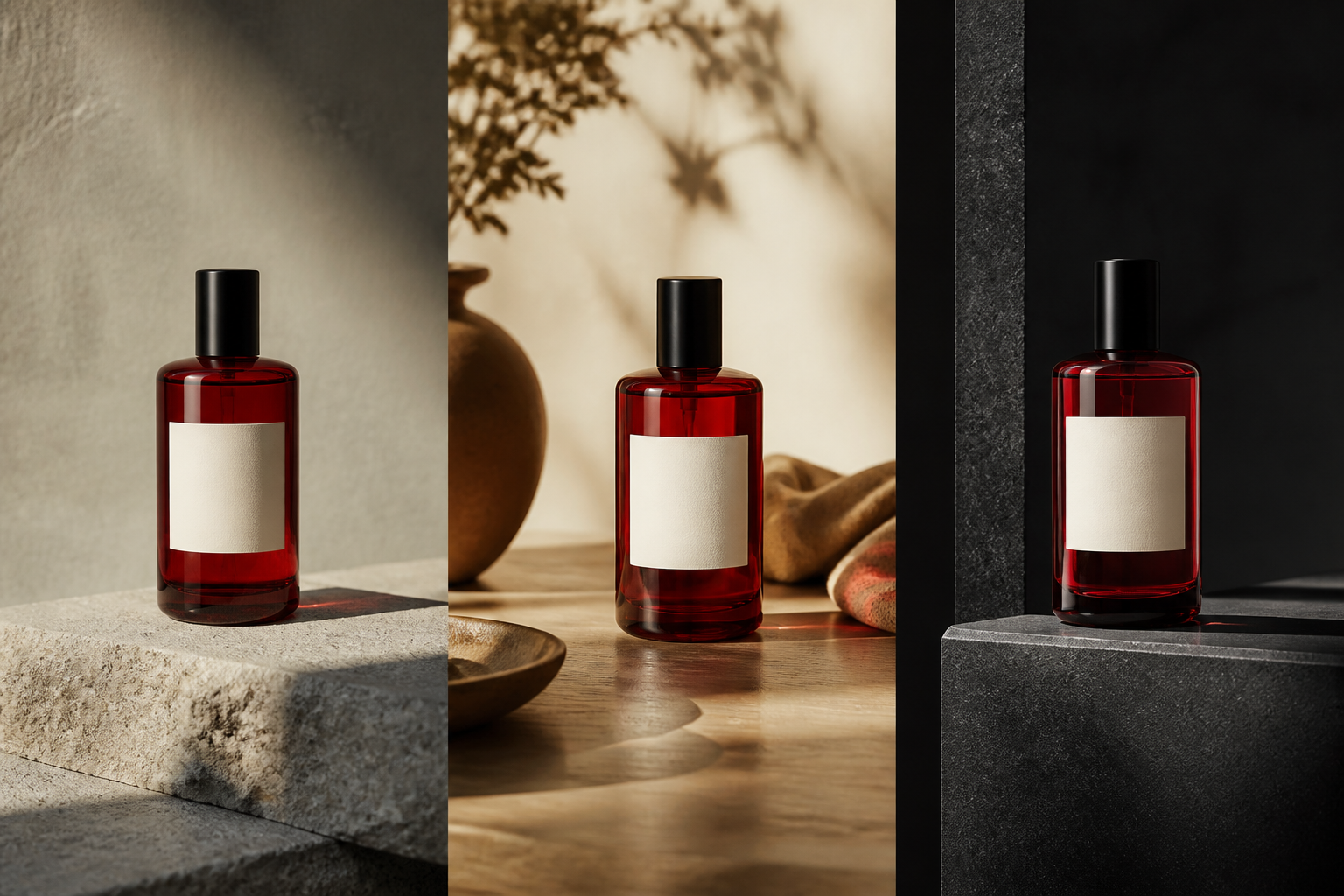
Image first, workflow next
One useful result can become a product set, a campaign direction, a new format, or the reference for the next image.
Use a prompt to establish the subject, composition, typography, lighting, materials, and style. Once the image exists, use it as a visual asset instead of treating it as a disposable output.
01
Detailed instructions can describe both the objects in the frame and the relationships between them.
02
Change a color, object, expression, background, or line of text without losing the useful visual context.
03
Combine character, outfit, product, pose, style, and environment references with a clear instruction.
04
Use Smart Resize to turn one creative asset into the formats your campaign or channel needs.
Prompt example
A strong text-to-image prompt tells the generator what matters before it describes the mood.
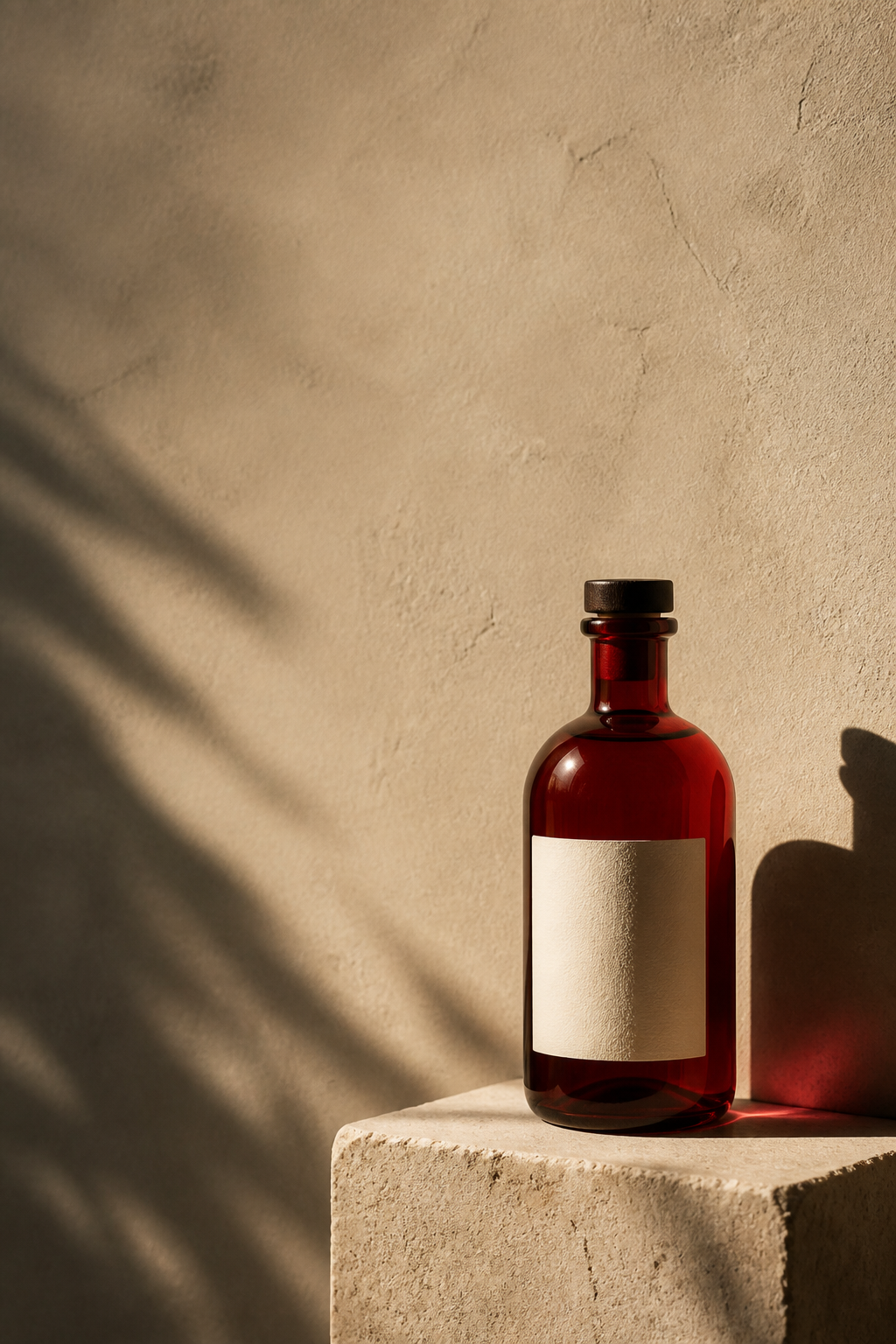
“Editorial product poster for a red glass bottle on a stone pedestal at dusk, restrained red-and-slate palette, sharp typography, and the headline ‘FUTURE DRIVE’ above the composition.”
After generate
Keep the useful context and change what is wrong.
Remove or replace one part of the scene.
Explore another direction without losing the anchor.
Turn a subject into a reusable transparent asset.
Recompose the image for its next surface.
Carry the useful direction into a new creation.
Create product visuals, editorial posters, social graphics, character concepts, illustrations, campaign directions, game assets, and more from text or references.
Yes. Describe what should change, select a precise region when needed, and keep the parts of the composition that already work.
Yes. Include exact words, hierarchy, placement, and visual treatment in the prompt so typography is part of the design brief.
Use Smart Resize to recompose the scene for a new aspect ratio, preserving the important subject instead of relying on a simple crop.
Start with the image in your head, then keep creating until the result is ready.
Create an image